
Step 3: Visibility Filters
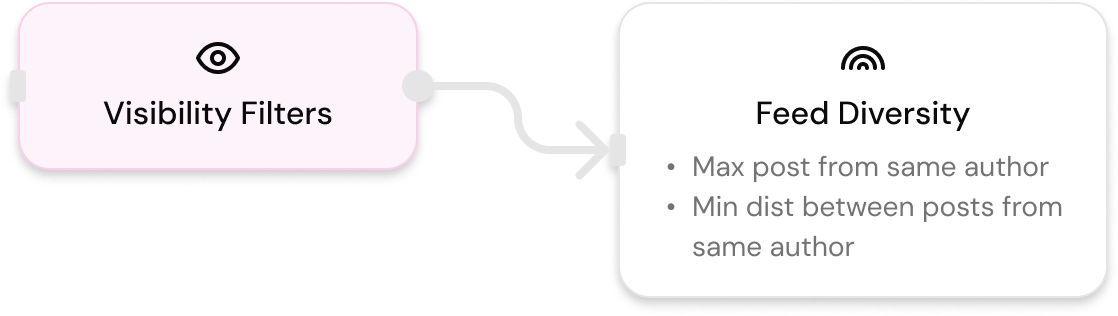
Control what the user actually sees. This step shapes the final layer of polish and relevance by filtering items based on user interactions, social proof, and user-specific visibility rules.
Impression Tracking
impression_count
impression_countSpecify the number of posts that will be considered as "seen" by the user in a given API call, outside of any potential offchain data.
Description: When you call the API with impression_count set to n, the first n items in the returned list are considered seen by the user. These items will not be included in future API responses for that user.
Example:
{
  "user_id": "16085",
  "feed_id": "feed_390",
  "impression_count": 5
}
Use Cases:
- Track viewed content
- Prevent duplicate content in subsequent requests
- Implement pagination with seen-item tracking
Note: This parameter is passed in the API request, not in the feed configuration.
Interaction Filters
show_interacted_items
show_interacted_itemsControl whether items the user has already interacted with are shown.
Default Behavior: Items the current user has already interacted with are removed from the feed by default.
Options:
false(default) - Hide items the user has interacted withtrue- Show items the user has interacted with
Example:
{
  "show_interacted_items": true
}
Use Cases:
- Allow users to see content they've engaged with again
- Show conversations around previously interacted content
- Re-engagement with liked content
Rationale: Users might want to see the same content again because:
- They're interested in the content and don't mind seeing it again
- New conversations surrounding the content might be of interest
remove_user_posts_from_feed
remove_user_posts_from_feedControl whether users see their own posts.
Description: Whether or not to remove posts that are created by the current viewing user.
Options:
true- Remove user's own posts (prevent users from seeing their own content)false- Include user's own posts
Example:
{
  "remove_user_posts_from_feed": true
}
Use Cases:
- Standard feed behavior (users don't see their own posts)
- Self-promotion feeds (users can see their own posts)
Social Proof Filters
return_only_posts_with_social_proof
return_only_posts_with_social_proofRequire social proof before surfacing posts.
Description: Whether or not to limit the feed to only posts that people followed by the viewing user have interacted with. This can help improve the overall perceived relevancy of the feed to the user.
Options:
true- Only show posts with social proof (interactions from followed users)false(default) - Show all posts regardless of social proof
Example:
{
  "return_only_posts_with_social_proof": true
}
Use Cases:
- Quality control (only show content validated by user's network)
- Trust-based filtering
- Network-validated content discovery
How it works: A post has "social proof" if at least one user that the viewing user follows has interacted with it (liked, commented, or shared).
Diversity Controls
diversity
diversityEnsure varied content in the feed, preventing over-representation of individual authors or topics.
Properties:
max_posts_per_author(integer, minimum: 1) - Maximum number of posts from a single author in the feedmin_distance_between_posts_from_same_author(integer, minimum: 0) - Minimum distance between posts from the same author. For example, if set to 5, then 2 posts from the same author must be separated by at least 5 posts in between.
Example:
{
  "diversity": {
    "max_posts_per_author": 3,
    "min_distance_between_posts_from_same_author": 5
  }
}
Use Cases:
- Prevent author dominance in feeds
- Ensure content variety
- Improve feed diversity
Updated 7 days ago
Final step of the feed building process on the next page!